What I Focus On When Performance Actually Matters in Android Apps
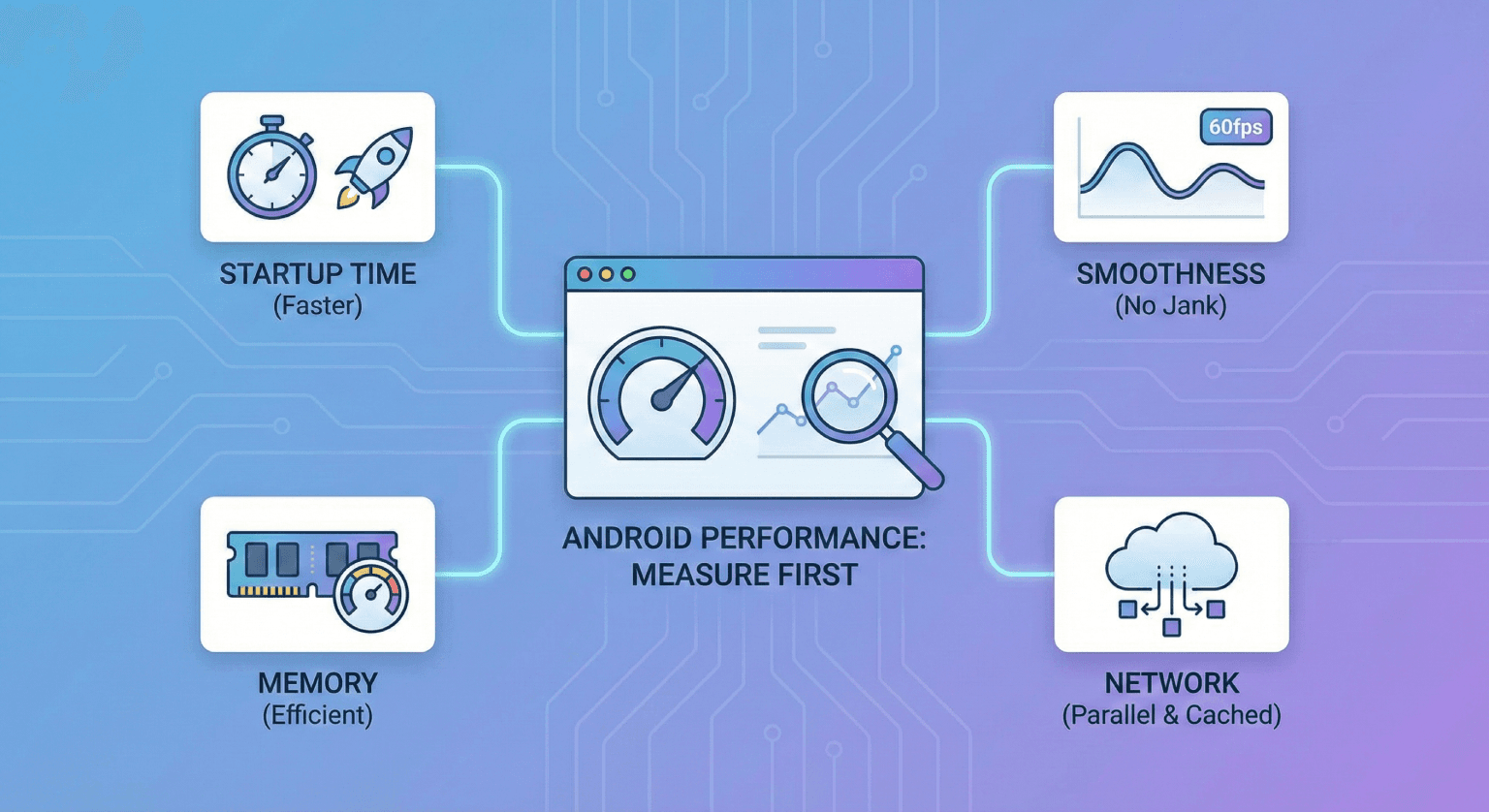
Performance work is one of the most misunderstood areas in Android development. I've seen teams spend weeks optimizing things that don't matter and ignore problems that cost them real users. Here's how I approach performance when it actually matters.
Key Takeaways
- Profile first, optimize second. Intuition about performance bottlenecks is almost always wrong.
- Users perceive jank more than raw speed. 60fps matters more than shaving 50ms off a network call.
- Memory pressure on low-end devices is the most overlooked performance problem.
- The biggest performance wins usually come from doing less, not doing things faster.
Rule 1: Measure Before You Touch Anything
The first thing I do when tasked with "make it faster" is measure the current state. Without a baseline, you can't prove your optimization worked.
Tools I use daily:
- Android Studio Profiler - CPU, memory, and network profiling in one place.
- Perfetto - For detailed system traces when I need to understand exactly what's happening frame by frame.
- Baseline Profiles - Measurably improve startup time by pre-compiling hot paths.
- Macrobenchmark - Automated benchmarks for startup, scrolling, and animations.
// Macrobenchmark example for measuring startup
@RunWith(AndroidJUnit4::class)
class StartupBenchmark {
    @get:Rule
    val benchmarkRule = MacrobenchmarkRule()

    @Test
    fun startup() = benchmarkRule.measureRepeated(
        packageName = "com.example.app",
        metrics = listOf(StartupTimingMetric()),
        iterations = 5,
        startupMode = StartupMode.COLD
    ) {
        pressHome()
        startActivityAndWait()
    }
}
Rule 2: Startup Time Is the First Impression
App startup is the performance metric users notice most. If your app takes more than 2 seconds to show useful content, users start leaving.
My approach to startup optimization:
1. Defer everything that isn't needed for the first frame.
class MyApplication : Application() {
    override fun onCreate() {
        super.onCreate()
        // Only initialize what's needed immediately
        initCrashReporting()
        initDI()

        // Defer everything else
        ProcessLifecycleOwner.get().lifecycle.addObserver(
            object : DefaultLifecycleObserver {
                override fun onStart(owner: LifecycleOwner) {
                    // Initialize after first frame
                    initAnalytics()
                    initPushNotifications()
                    initFeatureFlags()
                    owner.lifecycle.removeObserver(this)
                }
            }
        )
    }
}
2. Use App Startup library for dependency ordering.
Instead of initializing libraries manually in Application.onCreate(), the App Startup library lets you declare dependencies between initializers and runs them efficiently.
3. Baseline Profiles make a measurable difference.
I've seen 15-30% improvement in startup time from Baseline Profiles alone on real devices. The setup takes an hour; the payoff is permanent.
Rule 3: Jank Is the Enemy
Users feel jank - dropped frames during scrolling or animations - more than they feel raw speed. A list that scrolls at a consistent 60fps feels faster than one that renders items in 5ms but drops frames every few seconds.
Common causes of jank I've fixed:
Heavy work on the main thread:
// Bad: blocking the main thread
@Composable
fun ArticleItem(article: Article) {
    val formattedDate = SimpleDateFormat("MMM dd, yyyy", Locale.US)
        .format(article.publishedAt) // This is surprisingly slow
    Text(formattedDate)
}

// Better: compute once and cache
@Composable
fun ArticleItem(article: Article) {
    val formattedDate = remember(article.publishedAt) {
        dateFormatter.format(article.publishedAt)
    }
    Text(formattedDate)
}
Unnecessary recompositions in Compose:
// Bad: lambda creates a new instance every recomposition
LazyColumn {
    items(articles) { article ->
        ArticleCard(onClick = { viewModel.onArticleClick(article.id) })
    }
}

// Better: stable lambda reference
LazyColumn {
    items(articles, key = { it.id }) { article ->
        val onClick = remember(article.id) { { viewModel.onArticleClick(article.id) } }
        ArticleCard(onClick = onClick)
    }
}
Image loading without proper sizing:
Loading a 4000x3000 image into a 400x300 ImageView wastes memory and CPU. Always request the size you need. Libraries like Coil handle this automatically when you specify the composable's size.
Rule 4: Memory Pressure Is Silent but Deadly
On devices with 2-3GB of RAM (still a huge portion of the global market), memory pressure causes:
- Increased garbage collection pauses → jank
- Background process kills → users lose their state
- OOM crashes in extreme cases
What I watch for:
- Bitmap allocations - The biggest memory consumer in most apps. Use
CoilorGlidewith proper caching and downsampling. - Leaked fragments/activities - LeakCanary catches these in debug builds.
- Large data sets in memory - Use Paging 3 instead of loading everything at once.
// Instead of loading everything
val allArticles: List<Article> = repository.getAll() // Could be thousands

// Use Paging
val pagedArticles: Flow<PagingData<Article>> = Pager(
    config = PagingConfig(pageSize = 20, prefetchDistance = 5),
    pagingSourceFactory = { ArticlePagingSource(api) }
).flow.cachedIn(viewModelScope)
Rule 5: Network Calls Are Usually the Bottleneck
Most "slow" screens aren't slow because of rendering - they're slow because of network calls. My approach:
- Show cached data immediately, refresh in background.
- Parallelize independent calls using
async/await. - Compress payloads - enable gzip, use protobuf for large payloads.
- Prefetch data the user is likely to need next.
// Sequential: ~600ms total
val user = api.getUser(id)         // 200ms
val articles = api.getArticles(id)  // 200ms
val stats = api.getStats(id)        // 200ms

// Parallel: ~200ms total
coroutineScope {
    val user = async { api.getUser(id) }
    val articles = async { api.getArticles(id) }
    val stats = async { api.getStats(id) }
    ProfileData(user.await(), articles.await(), stats.await())
}
What I Don't Optimize
- Code that runs once during setup. If initialization takes 50ms and happens once, leave it alone.
- Screens with small data sets. A list of 15 items doesn't need
DiffUtiloptimization. - String formatting in non-hot paths. If it's not called 1000 times per second, it's fine.
The goal is always to focus optimization effort where users will actually notice the difference.
Final Thought
Performance optimization is a practice of restraint. The temptation is to optimize everything, but the skill is in knowing what matters. Profile, find the real bottleneck, fix it, measure the improvement, and move on. Your users will thank you for the features you shipped with the time you didn't waste on invisible optimizations.
Related posts
How I Think About Performance Bottlenecks in Android
A systematic approach to finding and fixing performance bottlenecks in Android apps - from identifying symptoms to measuring impact.
Handling App Complexity Without Over-Engineering
How I manage growing complexity in Android apps without falling into the trap of building abstractions nobody asked for.
State Management in Jetpack Compose: What Works in Practice
A practical guide to managing state in Jetpack Compose for production Android apps. What patterns I use, what I avoid, and why simplicity wins at scale.