The Android Performance Traps That Don't Show Up in Benchmarks
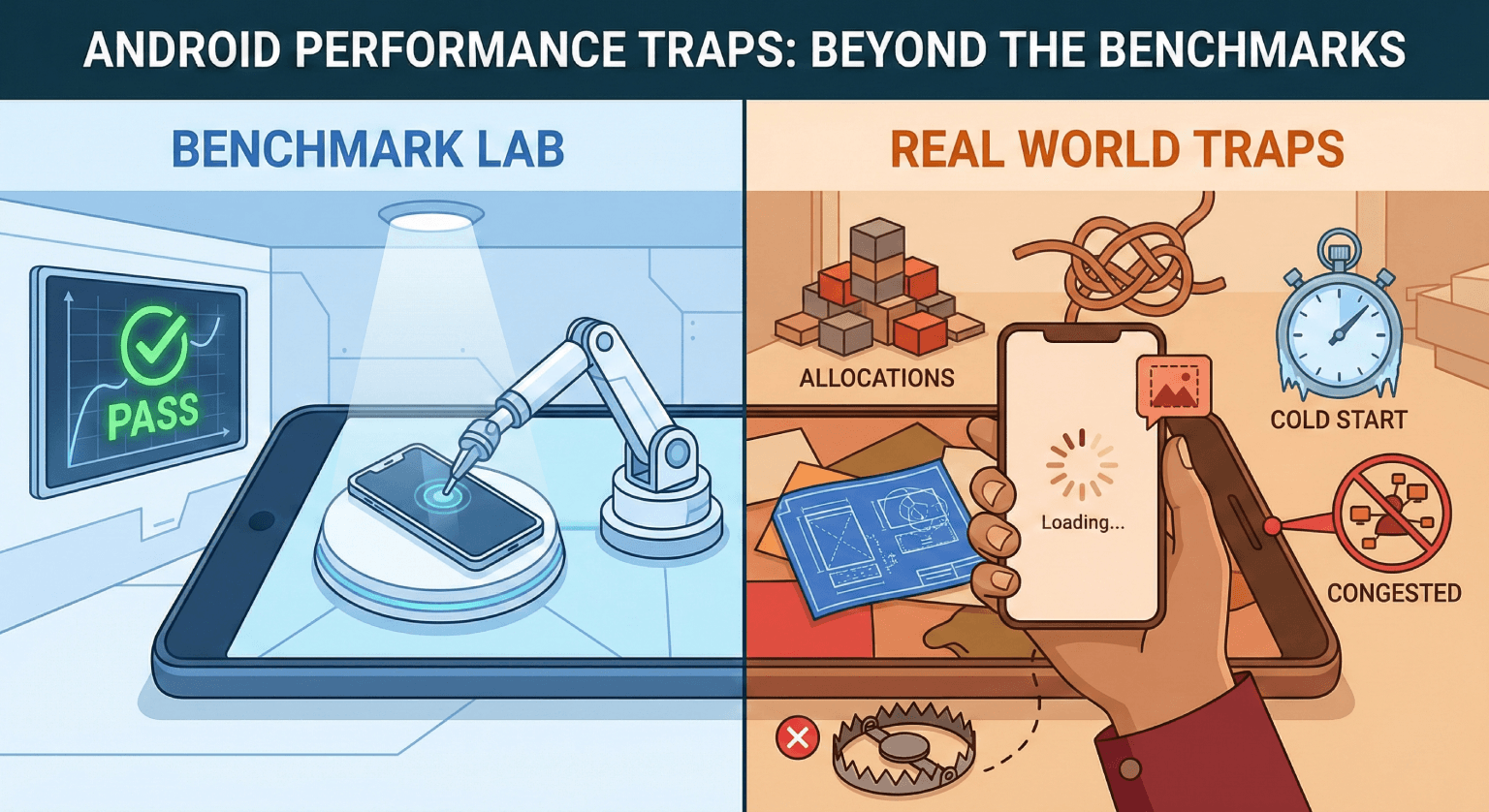
I've seen apps with great benchmark numbers that feel sluggish to users. And apps with mediocre benchmarks that feel fast. The difference is that benchmarks measure synthetic scenarios. Users experience real ones.
Here are the performance traps I've learned to watch for, the ones that don't show up when you're profiling in a controlled environment.
Trap 1: Death by a Thousand Allocations
A single allocation is free. A thousand allocations per frame are not. The garbage collector doesn't care that each individual object is small. It cares about the total allocation rate.
// This looks harmless in a benchmark
fun formatTimestamp(millis: Long): String {
    val formatter = SimpleDateFormat("MMM dd, yyyy", Locale.US)
    return formatter.format(Date(millis))
}

// In a RecyclerView with 50 visible items, this creates
// 100 objects per scroll frame (50 formatters + 50 dates).
// GC pauses become visible as micro-jank.

// Better: reuse the formatter
private val dateFormatter = SimpleDateFormat("MMM dd, yyyy", Locale.US)
private val reusableDate = Date()

fun formatTimestamp(millis: Long): String {
    reusableDate.time = millis
    return dateFormatter.format(reusableDate)
}
Benchmarks test one call at a time. Production runs hundreds of calls per second. The allocation pattern matters more than the single-call cost.
Trap 2: Layout Passes You Don't See
A ConstraintLayout with 20 children and complex chains performs well in isolation. Put it inside a RecyclerView where it's measured and laid out during scroll, and you'll see dropped frames.
The culprit is usually nested measuring. A parent that measures its children, who measure their children, creates an exponential measurement cost.
Single layout pass:     ~0.5ms ✓
Inside RecyclerView:    ~0.5ms × 8 visible items = 4ms
With nested measuring:  ~2ms × 8 = 16ms ✗ (frame budget is 16.6ms)
The fix isn't always flattening the layout. Sometimes it's using RecyclerView.setHasFixedSize(true), avoiding wrap_content on scroll containers, or pre-computing sizes instead of letting the layout system figure them out.
Trap 3: The Cold Start Tax
Your app's cold start time on a Pixel 9 is great. On a Samsung Galaxy A14 with 3GB of RAM and a hundred other apps competing for memory, it's three times slower.
Cold start traps that benchmarks miss:
Eager initialization. Dependency injection frameworks that create every singleton at app startup. Dagger/Hilt can lazy-inject, but the default is eager.
ContentProvider initialization. Libraries that use ContentProvider for auto-initialization (Firebase, WorkManager) add to startup time. On low-end devices, each one adds 50-100ms.
Class loading. The first time a class is used, the classloader loads it. If your splash screen references 200 classes transitively, that's hundreds of milliseconds of class loading that doesn't show up in warm benchmarks.
Trap 4: Memory Pressure From Other Apps
Your app might use 150MB of RAM, which is fine. But when the user has 15 other apps in recents and the OS is under memory pressure, your app gets killed and cold-started constantly.
The trap: benchmarks run your app in isolation. Users don't.
The practical fix is being a good memory citizen. Release caches when onTrimMemory() fires. Use isLowRamDevice() to reduce buffer sizes. Test on devices with 3GB RAM, not 12GB.
Trap 5: Network Scheduling
Benchmark: "API call completes in 200ms." Reality: "API call takes 200ms, but the 8 other API calls firing simultaneously cause congestion, and the actual wall-clock time for the user-visible content is 1.2 seconds."
// Benchmark sees one fast call
suspend fun loadProfile(): Profile = api.getProfile()

// Production fires everything at once
suspend fun loadHomeScreen() {
    // These all compete for the same connection pool
    coroutineScope {
        launch { loadProfile() }
        launch { loadFeed() }
        launch { loadNotifications() }
        launch { loadStories() }
        launch { loadSuggestions() }
        launch { prefetchAds() }
    }
}
The fix is prioritization. User-visible content loads first. Background prefetching waits. OkHttp's dispatcher can be configured with connection limits, but the real solution is being intentional about what loads when.
Trap 6: Compose Recomposition Storms
Compose is fast at recomposing individual composables. But when a state change at the top of the tree triggers recomposition of hundreds of children, the accumulated cost adds up.
// Looks fine in isolation, but if currentUser changes frequently,
// every child composable in the tree recomposes
@Composable
fun App() {
    val currentUser by userViewModel.user.collectAsStateWithLifecycle()

    // Everything below recomposes when user changes
    MainScreen(user = currentUser)
}

// Better: pass only what each child needs
@Composable
fun App() {
    val userName by userViewModel.userName.collectAsStateWithLifecycle()
    val userAvatar by userViewModel.userAvatar.collectAsStateWithLifecycle()

    // Children only recompose when their specific data changes
    Header(name = userName, avatar = userAvatar)
    Content()
}
How to Actually Find These
- Test on low-end devices. The $150 phone is where your performance problems live. Not the $1,000 flagship.
- Profile under load. Don't profile one screen in isolation. Profile the app after navigating through 10 screens with a full feed loaded.
- Watch for jank, not averages. A p50 of 8ms with a p99 of 45ms feels worse than a p50 of 12ms with a p99 of 18ms. Users notice spikes, not averages.
- Monitor in production. Firebase Performance Monitoring, Perfetto traces from real users. The data from 1 million real sessions is worth more than a thousand synthetic benchmarks.
The goal isn't to make benchmarks look good. It's to make the app feel fast to the person holding the phone.
Related posts
What I've Learned Shipping Monetization Code to Hundreds of Millions of Users
Hard-won lessons from writing code that directly impacts revenue at massive scale. What actually matters when your diff can move millions of dollars.
Common Android Architecture Mistakes (and How I Avoid Them)
Five architecture mistakes I see repeatedly in Android codebases, from god activities to over-abstraction, and the practical patterns I use to avoid them.
Why I Measure Everything Before I Optimize Anything
Optimization without measurement is guessing. And in my experience, engineers guess wrong about what's slow more often than they guess right.