Why I Measure Everything Before I Optimize Anything
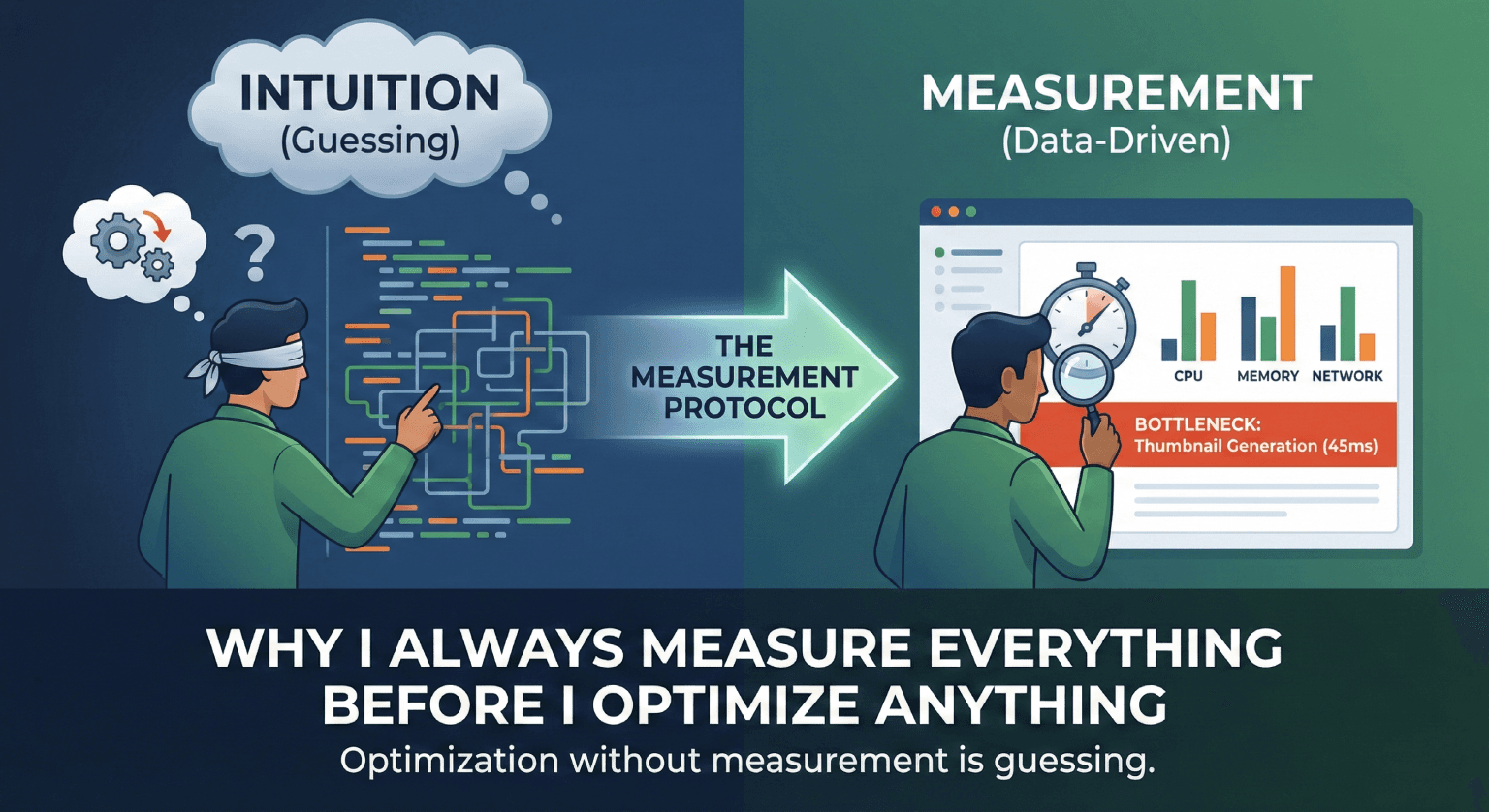
Early in my career, I'd look at code and think "this looks slow" and then spend a day optimizing it. Sometimes I was right. More often, I'd shave 2 milliseconds off something that took 5ms while the actual bottleneck, taking 800ms, was somewhere I never looked.
Now I have a rule: measure first, always. No exceptions.
The Problem With Intuition
Intuition about performance is unreliable because modern systems are complex. The thing that looks expensive often isn't. The thing that looks cheap often is.
// "This must be slow" - creating objects in a loop
val results = items.map { item ->
    ExpensiveLookingObject(
        id = item.id,
        metadata = parseMetadata(item.raw),
        thumbnail = generateThumbnail(item.image)
    )
}

// Actual profiler output:
// ExpensiveLookingObject constructor: 0.01ms per item
// parseMetadata: 0.02ms per item
// generateThumbnail: 45ms per item  ← the actual problem
If I had optimized based on intuition, I might have tried to reduce object allocations or cache metadata parsing. The real bottleneck was thumbnail generation, and the fix was to defer it until the item was visible on screen.
My Measurement Protocol
Step 1: Define What "Fast" Means
Before measuring, I define the target. "Make it faster" isn't a goal. "Feed loads in under 1 second at p50 on mid-range devices" is a goal.
Step 2: Measure the Current State
I use Android Profiler for CPU and memory, Perfetto for system-level traces, and custom timing logs for specific code paths.
object PerfTrace {
    fun <T> measure(label: String, block: () -> T): T {
        val start = System.nanoTime()
        val result = block()
        val elapsed = (System.nanoTime() - start) / 1_000_000.0
        logger.log("PERF [$label]: ${elapsed}ms")
        return result
    }
}

// Usage
val feed = PerfTrace.measure("feed_load") {
    repository.getFeed()
}
Step 3: Find the Bottleneck
Sort by time spent. The biggest number is where you start. Not the code that looks ugly. Not the code you're most familiar with. The code that takes the most time.
Step 4: Optimize the Bottleneck
Make one change. Measure again. Compare. If the number didn't move, revert and try something else.
Step 5: Verify You Didn't Break Anything
Performance optimizations frequently introduce bugs. Caching stale data. Deferring work that was actually needed immediately. Parallelizing operations that had ordering dependencies. After every optimization, I verify correctness, not just speed.
Measurements That Matter
p50 vs p99. The median tells you the typical experience. The 99th percentile tells you the worst experience. If your p50 is 200ms but your p99 is 3 seconds, 1 in 100 users is having a terrible time.
Cold start vs warm start. The first load after app launch is always slower (class loading, cache misses, DI initialization). Measure both separately.
Low-end vs high-end devices. A Pixel 9 with 12GB RAM hides problems that a $150 phone with 3GB RAM makes painfully visible.
Under memory pressure. Your app performs differently when the OS is actively reclaiming memory. Test with other apps consuming resources in the background.
The Optimization I'm Most Proud Of
The one where I measured, found the bottleneck, and the fix was deleting code. We had a "performance optimization" from years earlier that pre-computed and cached layout measurements. The cache had grown to 15MB of data that was stale 90% of the time. Removing the cache made the app faster because it eliminated cache lookup overhead and reduced memory pressure.
The previous engineer's intuition was that caching would help. It did, briefly. Then the data grew, the cache hit rate dropped, and the "optimization" became the problem.
That's why you measure. Not once. Continuously.
Related posts
What I've Learned Shipping Monetization Code to Hundreds of Millions of Users
Hard-won lessons from writing code that directly impacts revenue at massive scale. What actually matters when your diff can move millions of dollars.
Common Android Architecture Mistakes (and How I Avoid Them)
Five architecture mistakes I see repeatedly in Android codebases, from god activities to over-abstraction, and the practical patterns I use to avoid them.
The Android Performance Traps That Don't Show Up in Benchmarks
The Android performance problems that hurt users most only appear in the real world, on real devices, with real usage patterns. Here's how to catch them.